Duplicate Detection
Finds contacts that share a phone number or email address and groups them as merge candidates, so nothing gets combined by guesswork.
Contact cleanup
ContactFree finds duplicate, incomplete, and empty contacts, then backs up the clean result. No account, no cloud sync, nothing leaves your phone.
Available on the App Store 11 languages
Duplicates · Backups · On-device only
What it does
Most address books collect problems quietly over the years. The same person saved twice under a nickname and a full name. A contact with a phone number but no name attached. Old entries with nothing useful left in them at all. None of it is visible until it gets in the way, usually while searching for someone mid-call.
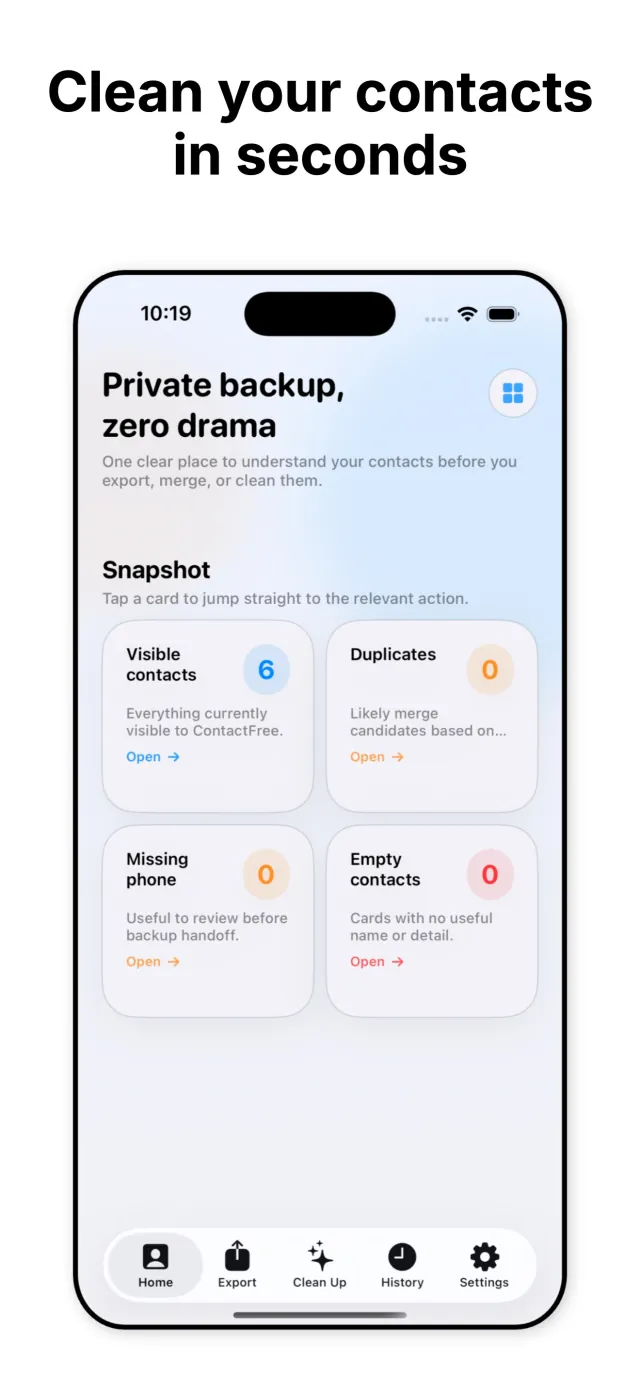
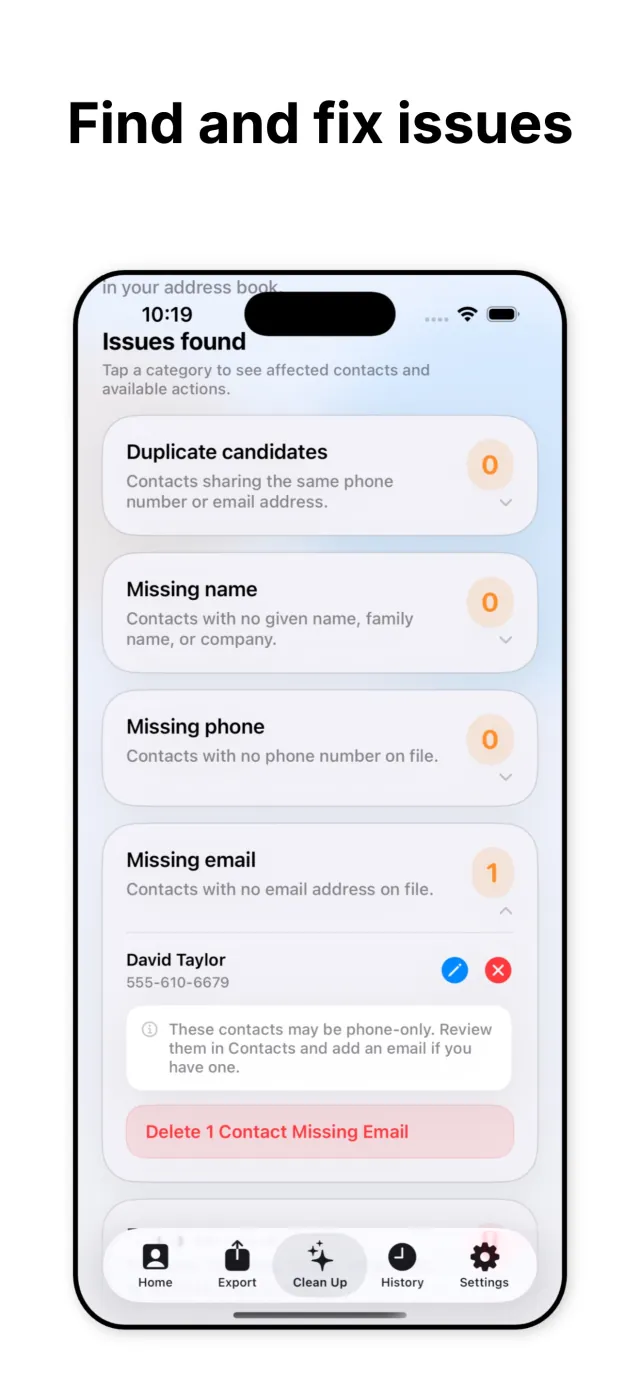
ContactFree scans the address book once and sorts what it finds into plain categories: duplicate candidates, missing names, missing phone numbers, missing emails, and empty cards. Each category is reviewable on its own, so cleanup happens in small, deliberate steps instead of one overwhelming list.
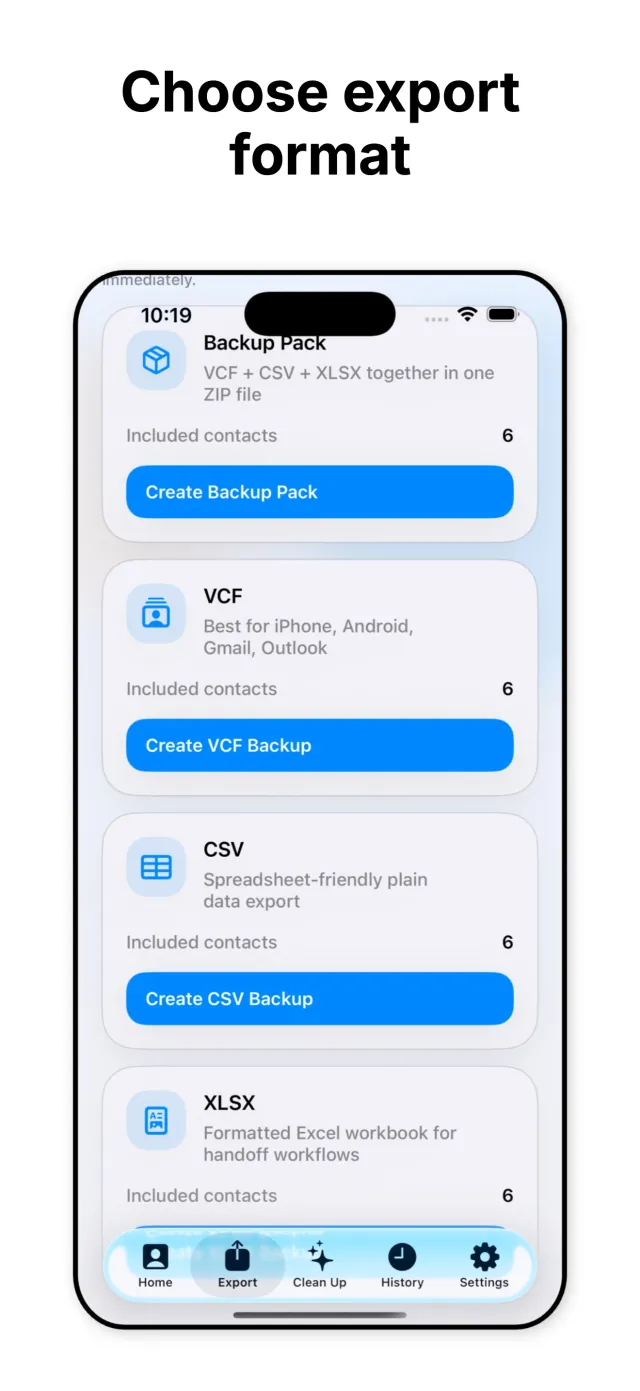
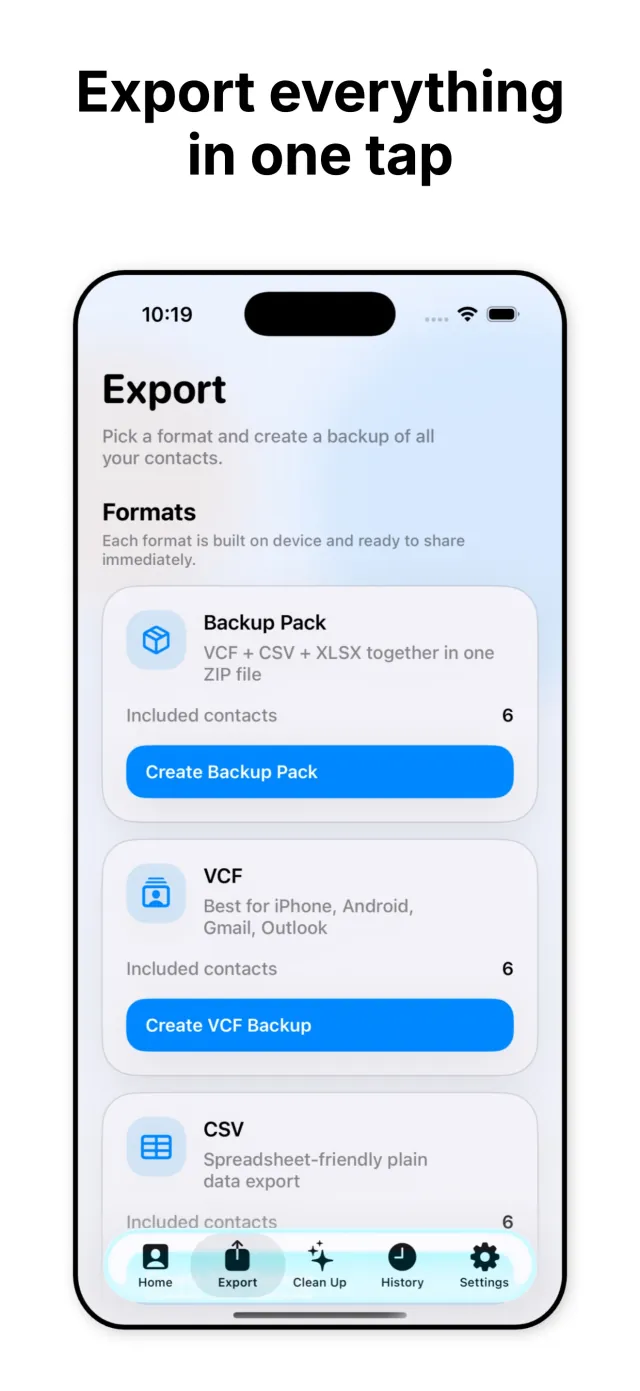
Once the address book is in the shape a user wants, ContactFree exports it. Backups are built locally as VCF, CSV, or XLSX, individually or together in one ZIP, ready to move to a new phone, hand off to someone else, or simply keep somewhere safe.
Key features
Detection, cleanup, and export, kept in three separate, simple steps.
Finds contacts that share a phone number or email address and groups them as merge candidates, so nothing gets combined by guesswork.
Flags contacts with no name, no phone number, or no email on file, listed by category so gaps are easy to review and fix.
Surfaces cards with no meaningful name or detail left on them, so the leftover clutter can be removed in a single pass.
Exports the address book as VCF, CSV, or XLSX. VCF for iPhone, Android, Gmail, and Outlook, CSV for spreadsheets, XLSX for formatted handoffs.
Bundles VCF, CSV, and XLSX into a single ZIP with one tap, a complete backup of the address book in every format at once.
Scanning, cleanup, and export all run locally. Contacts are never uploaded, and no account is required to use any part of the app.
Under the hood
ContactFree reads the address book directly from the device and builds a snapshot of the full contact list. Duplicate candidates are grouped by matching phone number or email address rather than by name, since names are the field most likely to vary between two entries for the same person. Missing-name, missing-phone, missing-email, and empty categories are computed from the same snapshot in a single pass, so the home screen counts and the detailed issue lists always agree.
Every export format is generated on the device at the moment it is requested. VCF output follows the vCard format that iPhone, Android, Gmail, and Outlook all read natively. CSV is plain, spreadsheet-ready rows. XLSX is a formatted workbook for handoff workflows. The Backup Pack option builds all three and compresses them into a single ZIP so a full backup is one file instead of three.
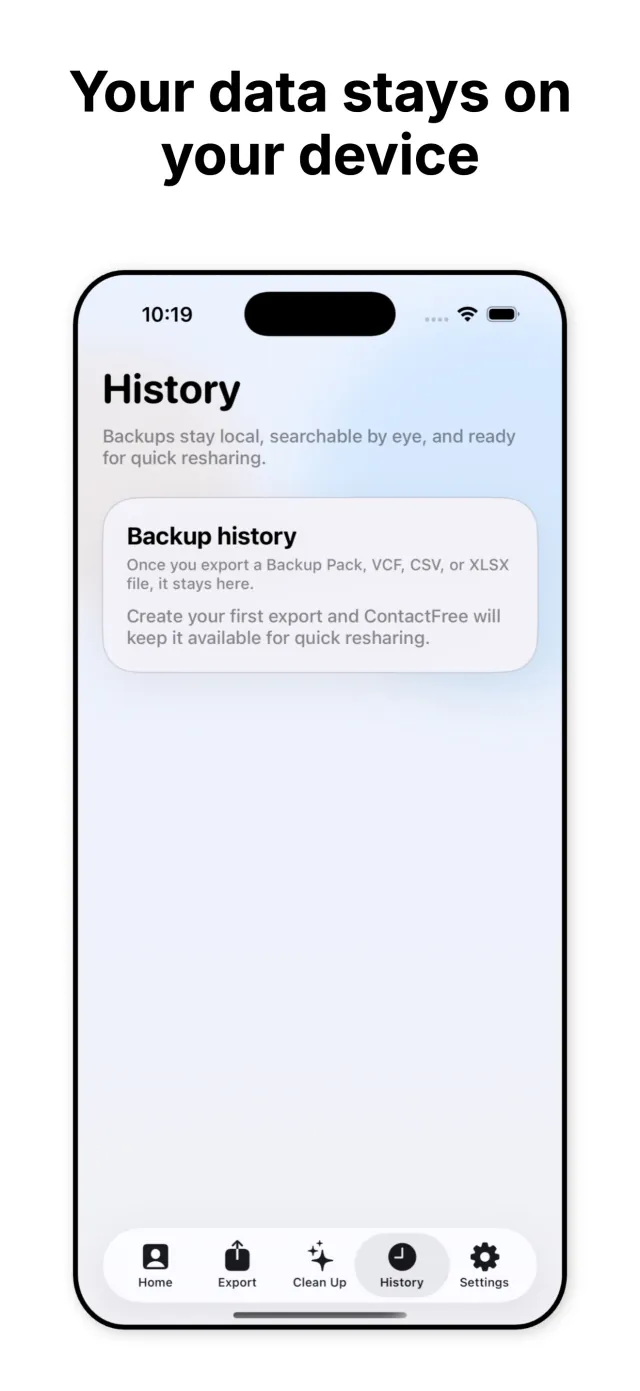
Finished exports are kept in a local backup history, so a file that was already created can be reshared without regenerating it. Nothing in that history, or anywhere else in the app, is uploaded to a server. ContactFree launches in 11 languages: English, Arabic, French, German, Japanese, Korean, Portuguese, Serbian, Chinese, Spanish, and Turkish.
Privacy by design
Everything runs on the device
Scanning, duplicate detection, cleanup, and file generation all happen locally. Contacts are not sent to a server at any point.
No account required
There is no sign-up and no login. Opening the app grants access to every feature immediately.
No cloud sync
Backups are written to local storage on the device, not to a remote server. Getting a copy elsewhere is a manual share, not an automatic upload.
No data collection
Contact names, numbers, and emails are not collected, analyzed, or shared with any third party. What is on the device stays on the device.
Backup history stays local
Previously created VCF, CSV, and XLSX files remain on the device for quick resharing. They are not mirrored to any online account.
How it looks
Five glimpses of scanning, cleanup, export, and backup history inside ContactFree.
Scroll to browse →
Download
ContactFree is live on iPhone, free, in 11 languages. Email contact@mightys.dev with feedback or a feature request.