AI Duplicate Detection
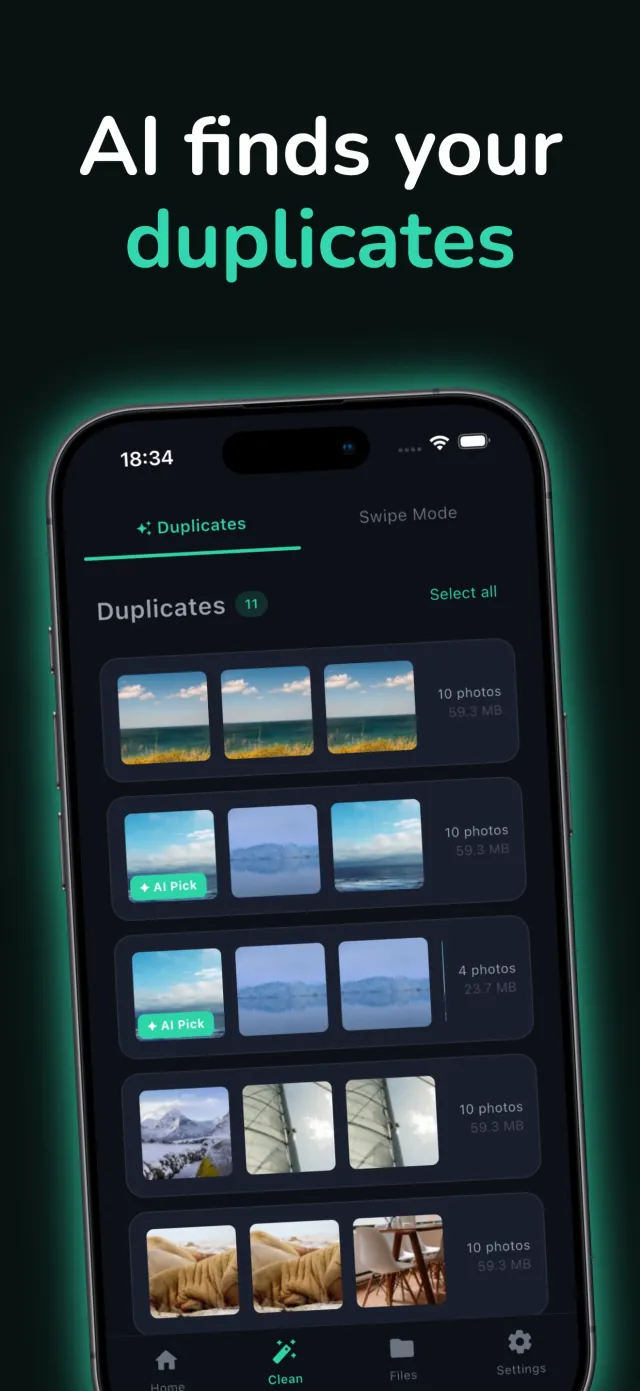
MemFree groups near-identical shots by resolution and file size, then suggests one to keep in each group. On supported devices, on-device AI can add a short explanation for the suggestion. The app works the same without it.

AI Photo Cleaner
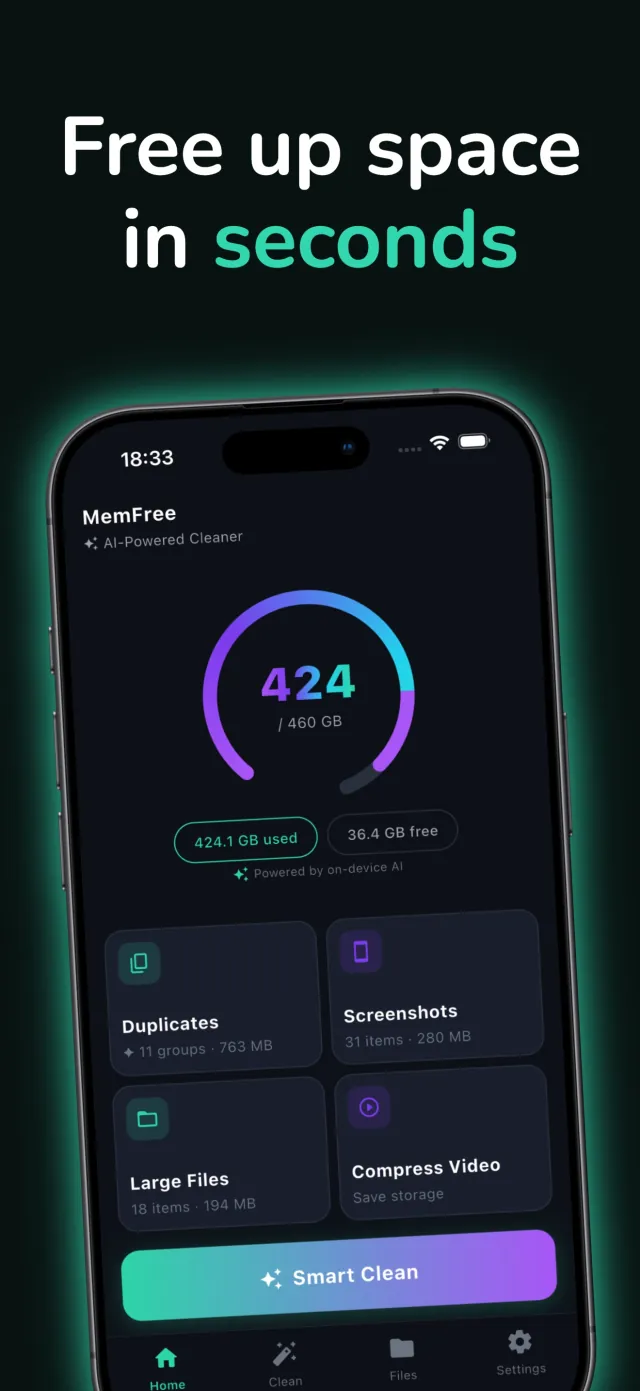
MemFree scans your photo library on device and groups the duplicates, screenshots, and large files that are safe to clear out. You review every group before anything is deleted.
Available on the App Store Free to use iPhone and iPad
On-device AI · No account needed · No uploads
What it does
Most phones accumulate thousands of photos over years. Duplicates from burst mode, near-identical shots from trying to get the right angle, screenshots that were useful once and forgotten. By the time storage fills up, reviewing that library by hand is not realistic. MemFree scans it automatically, on the device, without any of it leaving your hands.
The app is for anyone whose phone has thrown up the storage almost full warning one too many times. It runs on iPhone and iPad. It is free to use, and an optional upgrade removes ads.
The design principle is restraint. MemFree does not ask you to curate an album or scroll through your whole library. It surfaces what looks like waste, lets you confirm, and gets out of the way.
Key features
Each feature solves a specific kind of storage waste. No filler.
MemFree groups near-identical shots by resolution and file size, then suggests one to keep in each group. On supported devices, on-device AI can add a short explanation for the suggestion. The app works the same without it.
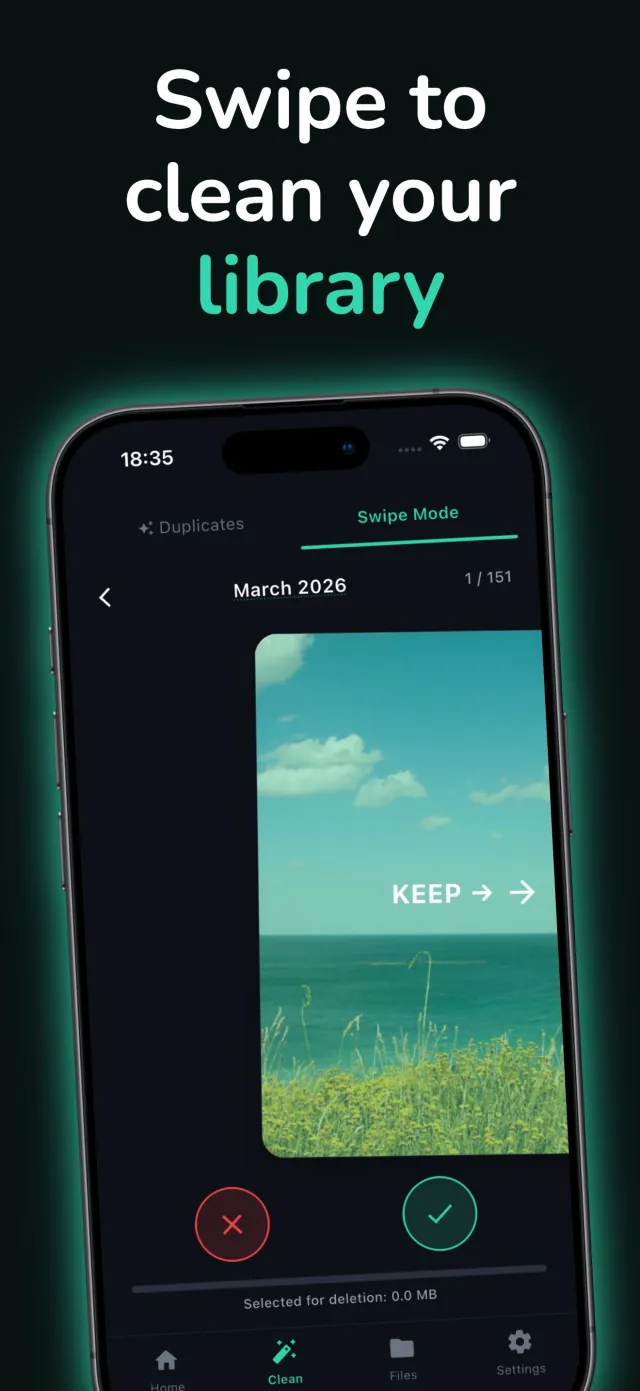
Go through your library month by month, one photo at a time. Swipe right to keep, left to mark for deletion. It is fast, tactile, and easy to stop and resume.
One tap scans the whole library and shows the space a cleanup would free before you delete anything. Duplicates, screenshots, and large files are grouped and ready to review in a single pass.
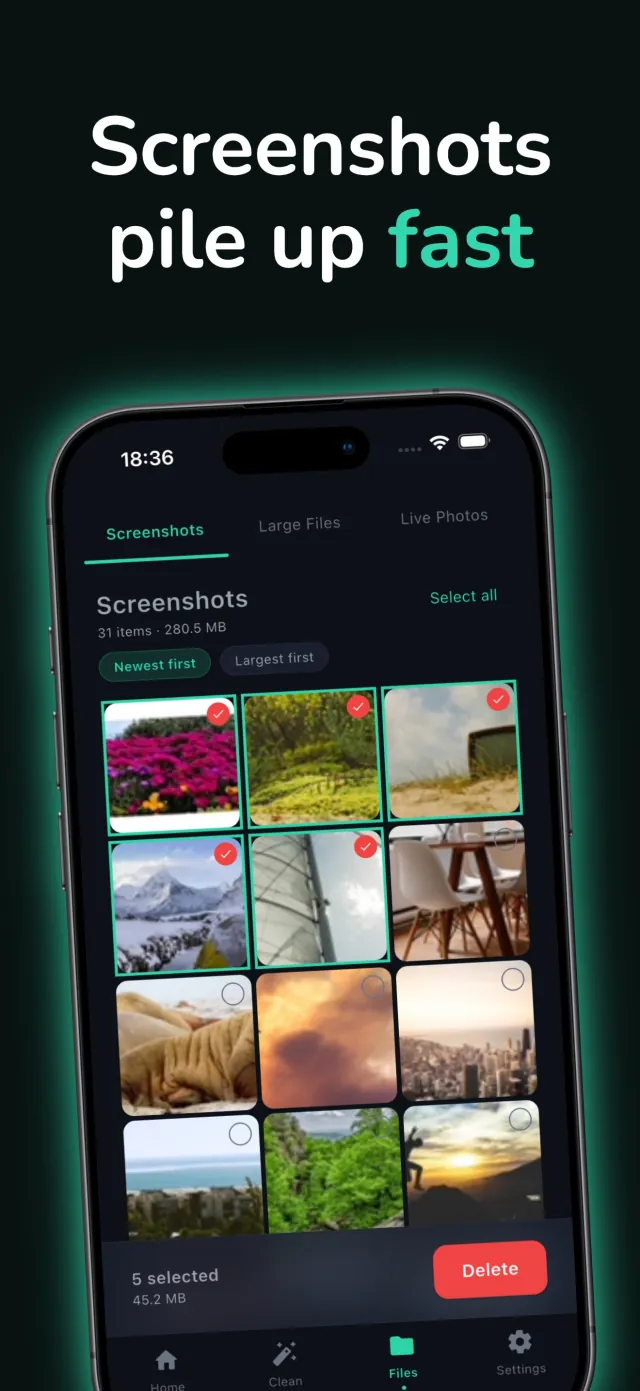
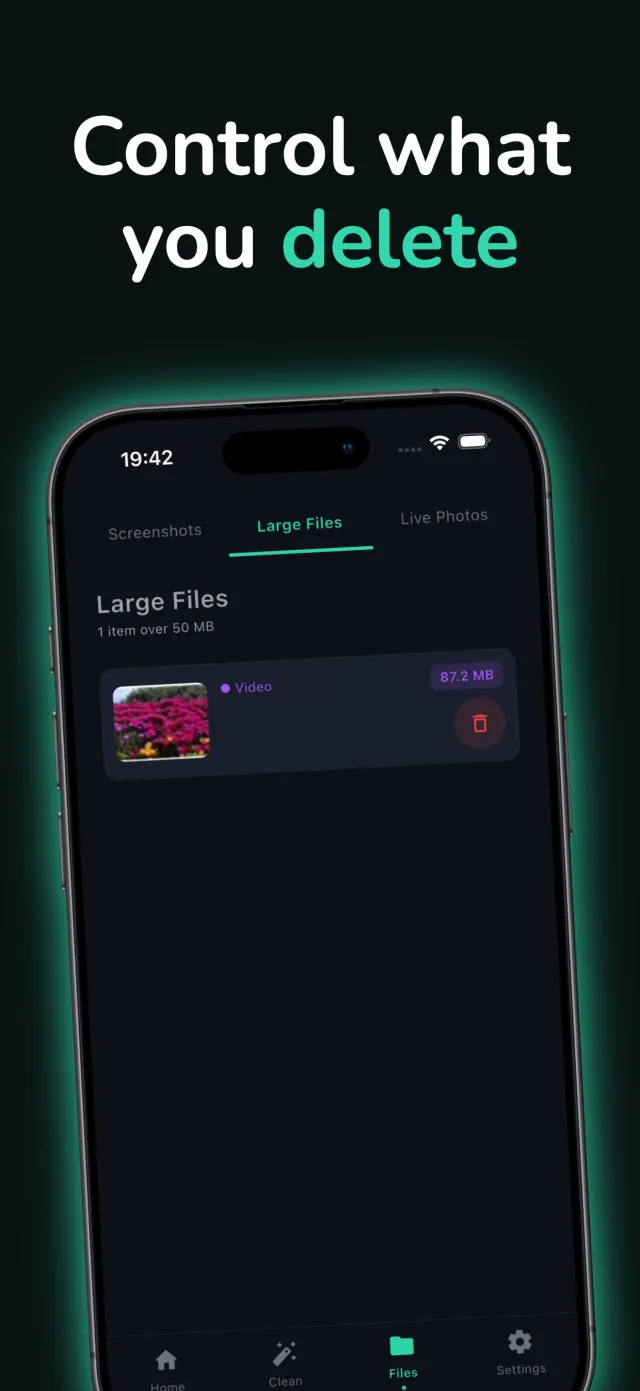
Screenshots pile up fast and are rarely revisited. MemFree isolates them and any file over 50MB, sorts by size, and lets you select and delete in bulk.
Storage numbers come from the device itself and update as you review, not just after a scan finishes. You see exactly how much space a decision will free before you make it.
Scanning, grouping, and storage calculations all run locally. No account is required, and no photo or file list leaves the phone.
Under the hood
Duplicate grouping runs in a background isolate so the interface stays responsive during a full-library scan. Photos are bucketed by resolution, then sub-grouped by file size proximity within each bucket, which catches shots from the same burst or the same scene taken seconds apart even when compression or a small crop makes the files slightly different sizes. Inside each group, MemFree ranks by resolution, then file size, then recency, and proposes the top result as the one to keep.
On iPhones that support Apple Intelligence (iOS 26 and later), the on-device foundation model can generate a short, one to two sentence explanation of why a photo was suggested, focused on sharpness, lighting, and composition. This layer is optional and additive: it initializes silently at startup, fails quietly on devices without support, and never blocks a scan or a swipe.
Storage figures come from the device's real free and used space, not an estimate, and recalculate as selections change. Screenshots and files over 50MB are found the same way duplicates are, sorted so the heaviest items surface first. MemFree runs on iPhone and iPad on iOS 13.0 and later, in English at launch. The app is free to use, and an optional upgrade removes ads. Live Photo compression is available now; video compression is built and marked coming soon inside the app while it finishes testing.
Privacy by design
On-device scanning only
Duplicate grouping, screenshot detection, and storage calculations all run locally. No photo, thumbnail, or file list is uploaded during a scan.
Nothing deleted without review
Every group and every swipe is a decision you make. MemFree suggests, it does not auto-delete.
No account required
There is no sign-in and no server-side profile. MemFree does not need to know who you are to clean your library.
On-device AI is optional and local
When the AI explanation layer runs, it runs on the device using Apple's on-device model. Nothing about your photos is sent anywhere, and the app works the same with it off.
How it looks
Five glimpses of scanning, swiping, and cleanup inside MemFree.
Scroll to browse →
Download
MemFree is live on the App Store for iPhone and iPad. Email contact@mightys.dev if you run into an issue or want to tell us what to clean next.