Biometric Lock
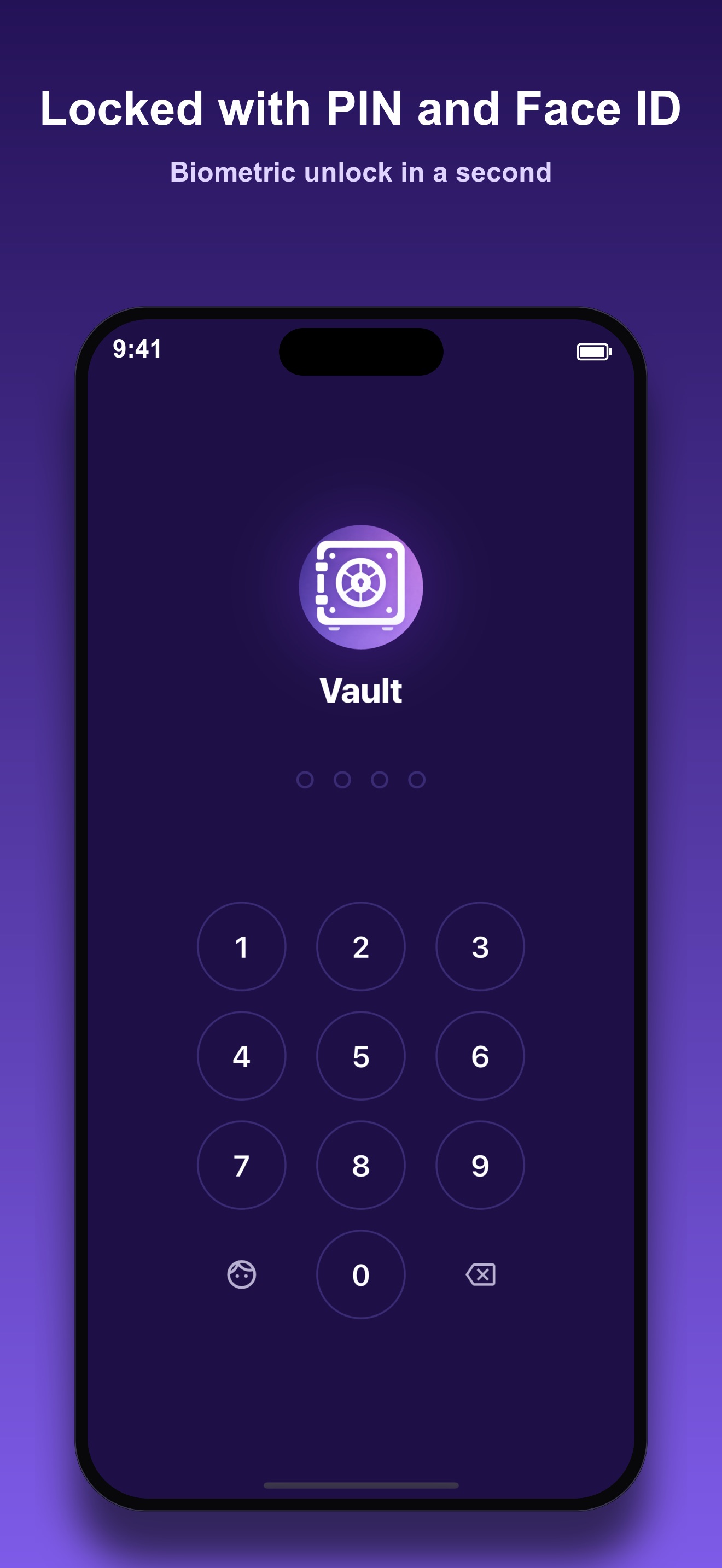
Face ID and Touch ID gate every vault entry. If biometrics are unavailable, a numeric PIN serves as fallback. Neither can be bypassed from outside the app.

Private Photo Vault
Photo Vault hides sensitive photos behind Face ID and Touch ID, encrypts everything on-device with AES-256, and keeps your library invisible to every other app. No cloud. No account. No trace.
iPhone & iPad Offline AES-256
What it does
Apple's Hidden Album hides photos from casual browsing, but it doesn't encrypt them, doesn't require authentication to open, and syncs everything to iCloud. Photo Vault takes a different approach: photos imported into the vault are encrypted immediately with AES-256, stored in an isolated directory that no other app can access, and never leave your device. The lock screen requires Face ID, Touch ID, or a PIN before anything inside is visible.
The app is for anyone who keeps photos they do not want accessible to every person who picks up their phone: personal documents, sensitive records, anything that belongs behind a real lock. It works on iPhone and iPad. No subscription, no cloud sync, no account required.
The philosophy is straightforward: privacy software should not ask you to trust a third party. Photo Vault runs entirely offline. Nothing is uploaded. Nothing is analyzed on a remote server. The vault is between the app and your device, full stop.
Key features
Each feature solves a different threat, not just the obvious one.
Face ID and Touch ID gate every vault entry. If biometrics are unavailable, a numeric PIN serves as fallback. Neither can be bypassed from outside the app.
Every photo and video is encrypted on import and decrypted on-the-fly only when viewed. Raw files are never stored to disk in plaintext. The encryption key is derived from your PIN and stored in the system keychain.
Set a second PIN that opens a separate vault filled with innocent photos. If someone pressures you to unlock the app, the decoy looks identical to the real vault: same UI, no visible difference.
After repeated wrong PIN attempts, the app silently captures a photo using the front camera and logs the timestamp. The intruder sees nothing unusual. You see the record from inside the real vault.
Switch the app icon to look like a calculator or utility app on your home screen. Nine alternate icons are included at no cost, a feature most competitors put behind a paywall.
Under the hood
Encryption uses AES-256 via the encrypt package, a Dart wrapper
around the PointyCastle cryptography library. The key is derived from
the user's PIN combined with a device-specific salt, then hashed with
SHA-256 to produce a 32-byte key. The derived key and salt are stored
in flutter_secure_storage, which maps to the iOS Keychain
on iPhone and iPad, the same secure enclave storage used by banking apps.
The PIN itself is never stored raw; only the derived key lives in secure storage.
Media files are encrypted on import and decrypted on-the-fly at view time.
No decrypted copy ever touches the file system.
Biometric authentication is handled by the local_auth plugin,
which calls the iOS LocalAuthentication framework. Face ID
and Touch ID are presented via the system biometric prompt. If biometrics
fail or are unavailable, the app falls back to the PIN. Auto-lock triggers
on app backgrounding, screen-off, inactivity timeout, and optionally
when the device is placed face-down, detected via the sensors_plus
accelerometer stream watching the Z-axis.
Imported photos are received through two paths: a standard gallery picker
using photo_manager, and a Share Extension powered by
receive_sharing_intent. The share extension uses an iOS App
Group container to pass files from the system share sheet into the vault
without ever writing decrypted data to the shared photo library. Media
stored in the vault lives in the app's Documents/ sandbox
directory. SQLite via sqflite tracks metadata for each item.
Thumbnails are cached separately, also encrypted, and loaded with a
150 ms delayed-load pattern to prevent queue flooding during fast scrolling.
Privacy by design
On-device only
Every photo, video, and vault setting lives in the app's sandboxed storage. Nothing syncs to iCloud, no server receives a copy, and there is no cloud fallback to disable.
AES-256 encryption, PIN-derived key
Photos are encrypted the moment they enter the vault. The key is derived from your PIN and a device-specific salt, then stored in the iOS Keychain. Decrypted copies never touch the file system.
No account, no tracking
Photo Vault does not ask for an email address, a phone number, or a login. No analytics SDK, no advertising identifier, no behavioral tracking of any kind.
Break-in photos stay local
If someone fails repeated PIN attempts, the intruder photo and timestamp are saved only inside the vault, encrypted like everything else. Nothing is transmitted or uploaded.
A decoy vault, not a cloud backup
The optional decoy vault runs entirely on-device too. It is a second local PIN pointing at a separate encrypted store, not a remote account you have to trust.
How it looks
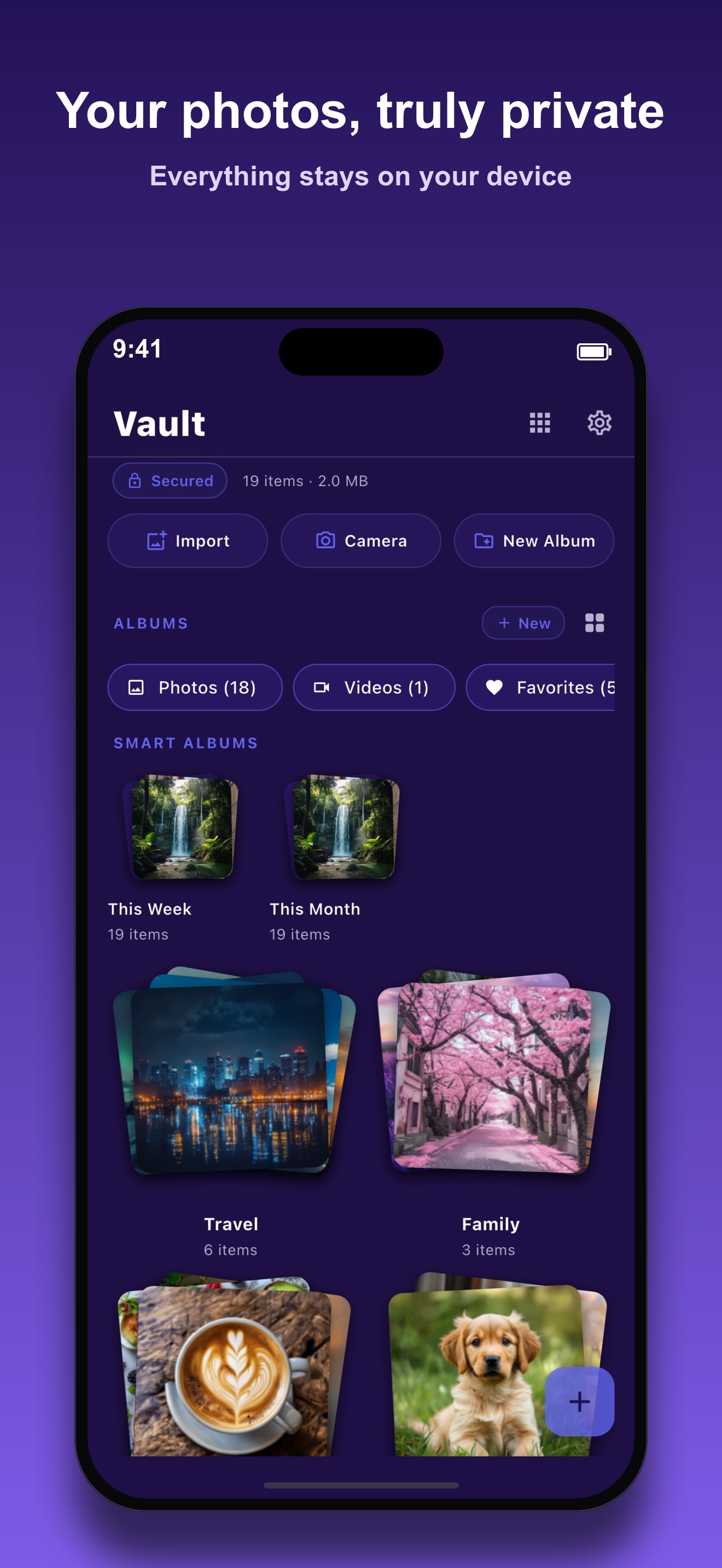
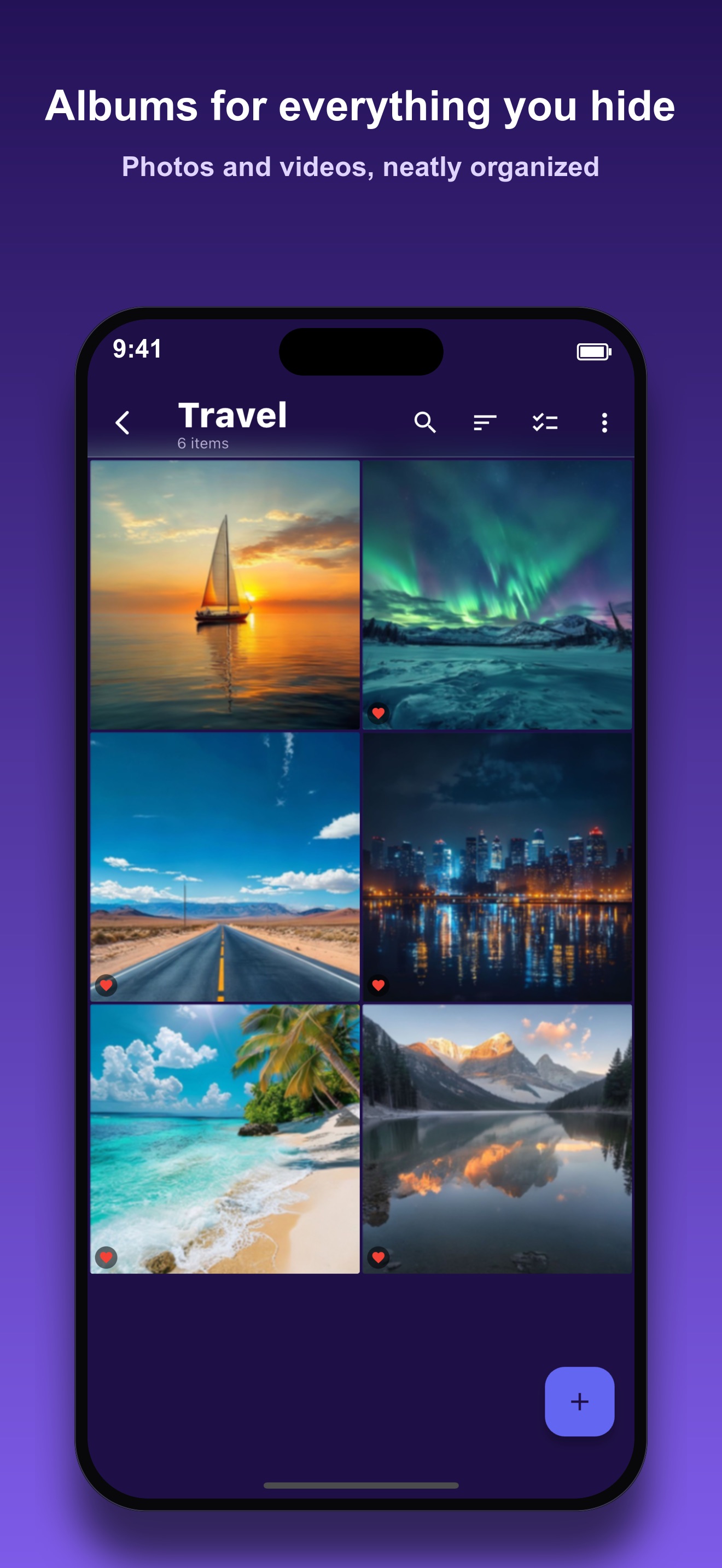
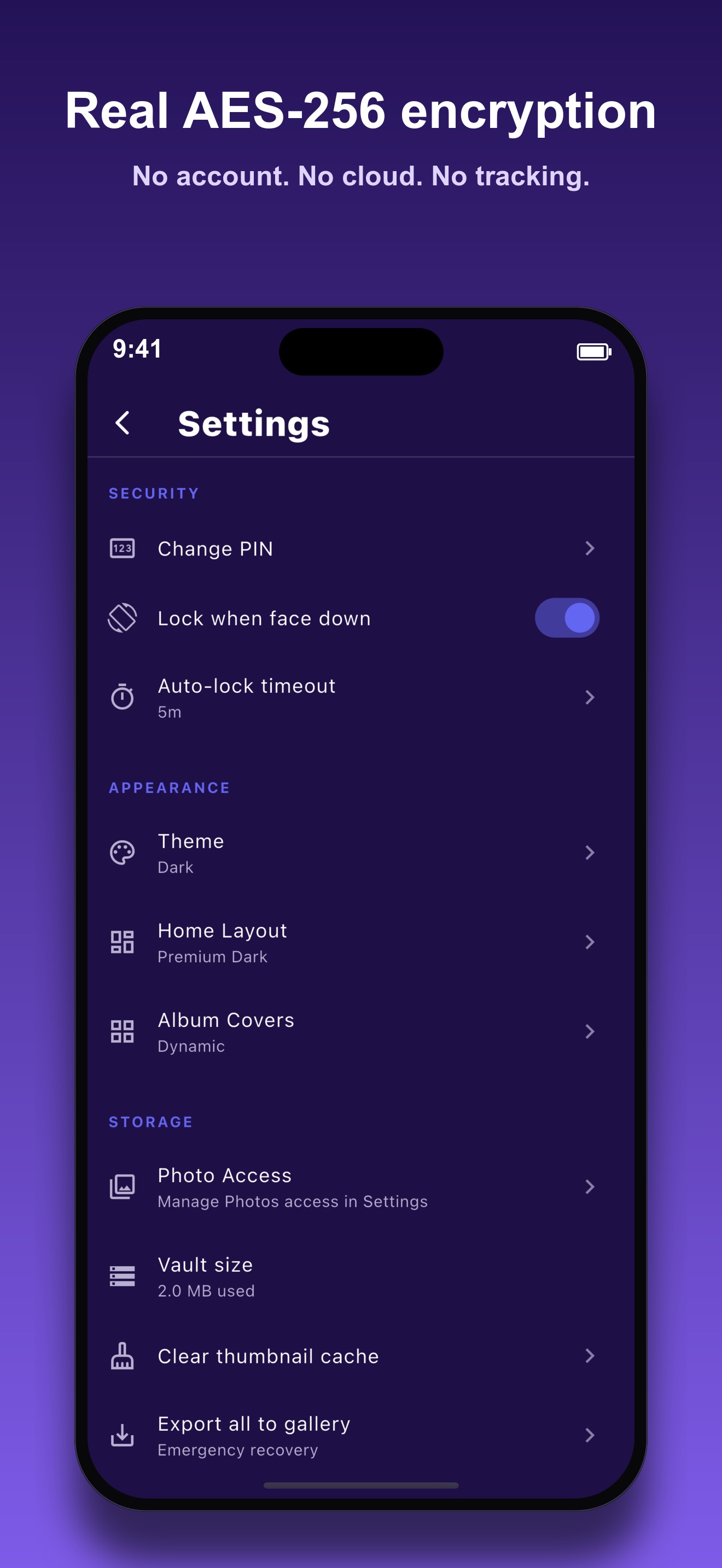
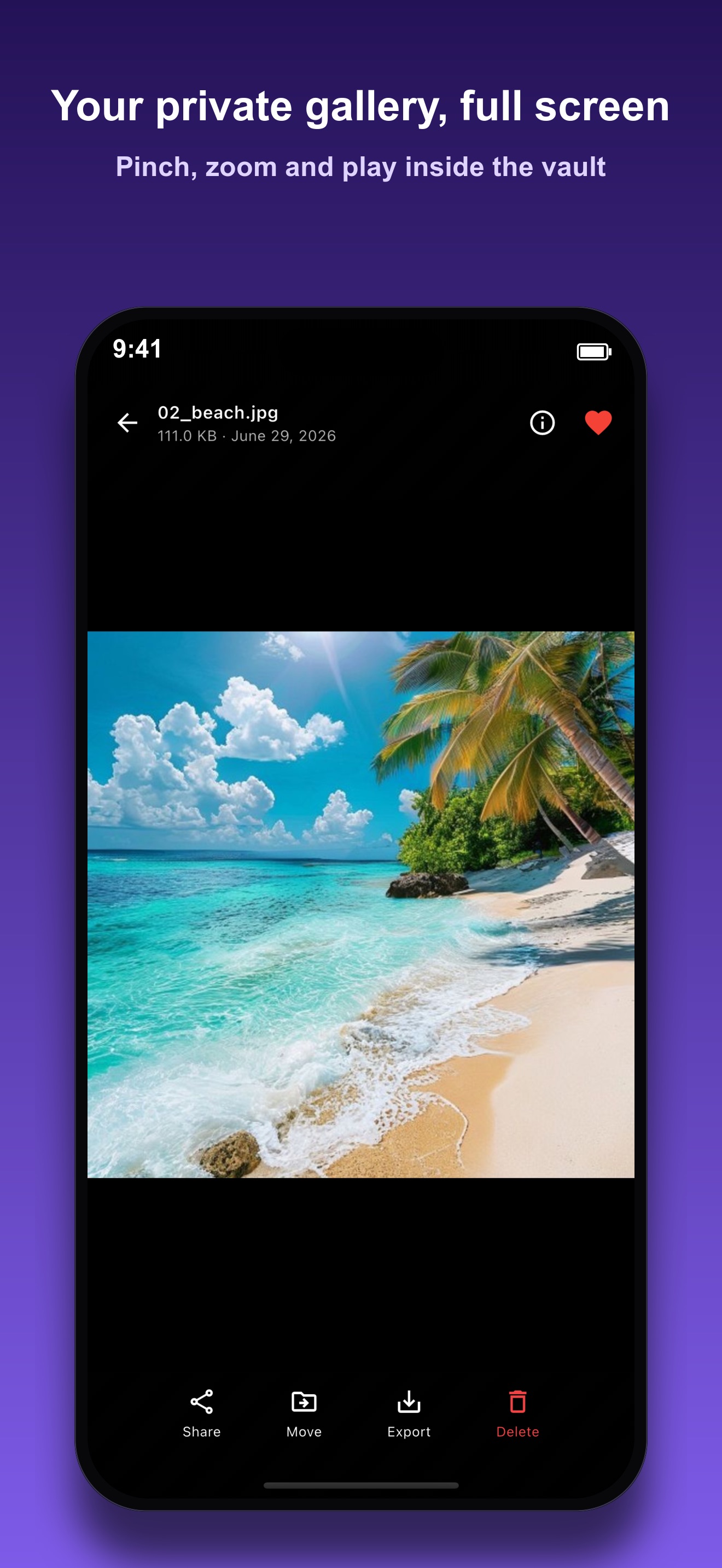
Five glimpses of the vault, the lock screen, and the settings inside Photo Vault.
Scroll to browse →
Download
Photo Vault is free on the App Store for iPhone and iPad. Email contact@mightys.dev with questions or feedback.