Batch Resize
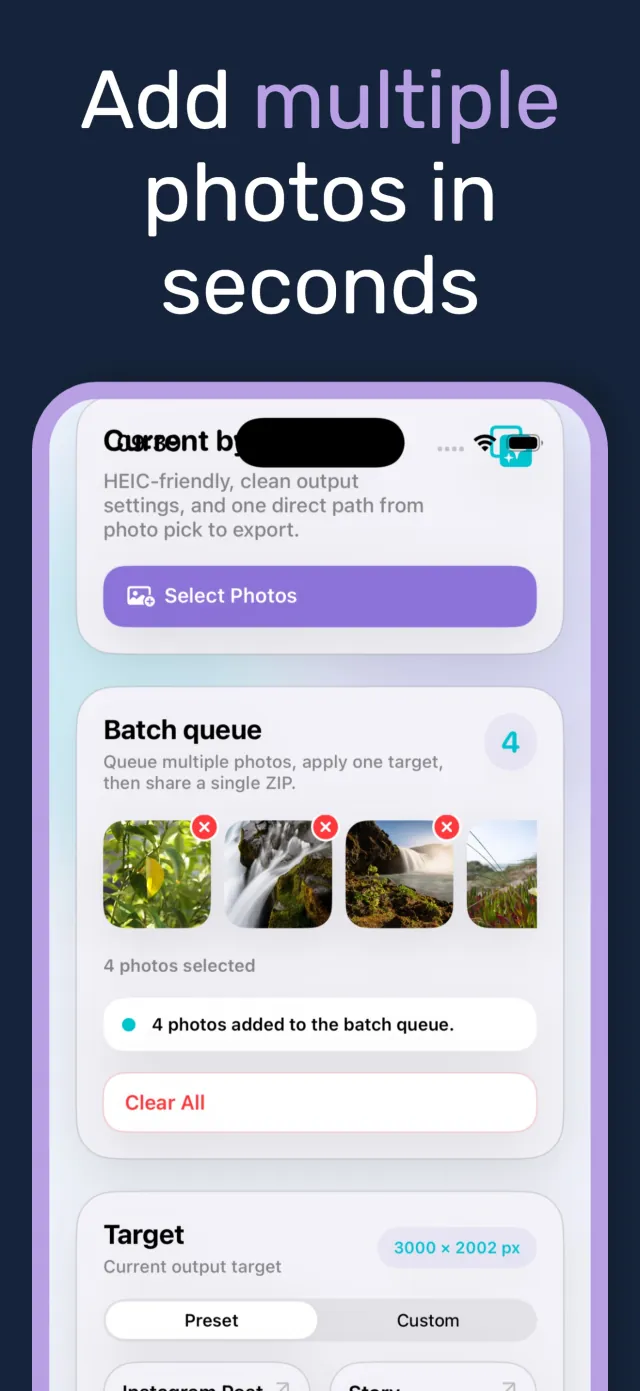
Queue multiple photos, apply one target to all of them, and export together. No repeating the same steps photo by photo.

Photo resizer
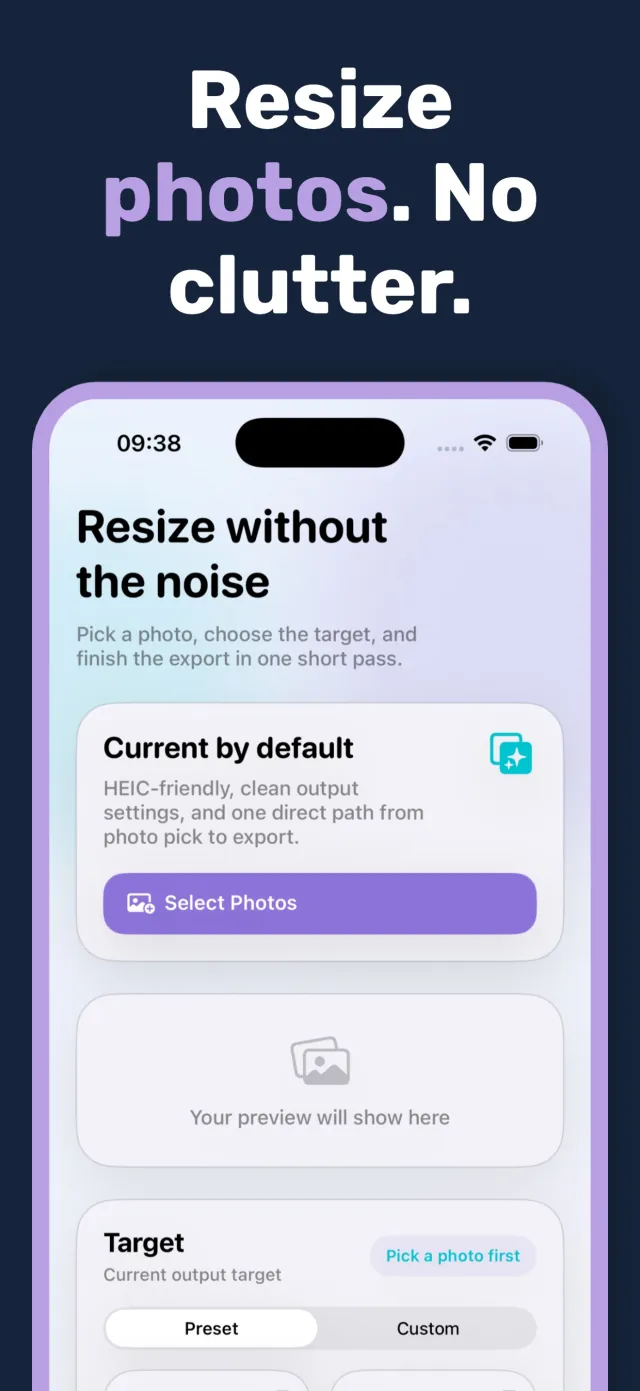
PixelsFit is a fast, focused way to resize images on iPhone. Pick a photo, choose a target size, and export. Nothing else gets in the way.
Available on the App Store Free
Batch resize · Presets · HEIC, JPEG, PNG
What it does
Most photo apps bury resizing under editing tools you do not need. PixelsFit does one thing: it takes a photo from its original dimensions to the size an upload form, a social platform, or an inbox actually wants. Pick a photo, choose a target, export.
PixelsFit is for anyone who resizes images regularly and is tired of the extra steps: preparing a batch of photos for a listing, shrinking a file so an email will send, converting a phone photo to a format a website will accept. It runs entirely on the device, with no account and no upload to a server.
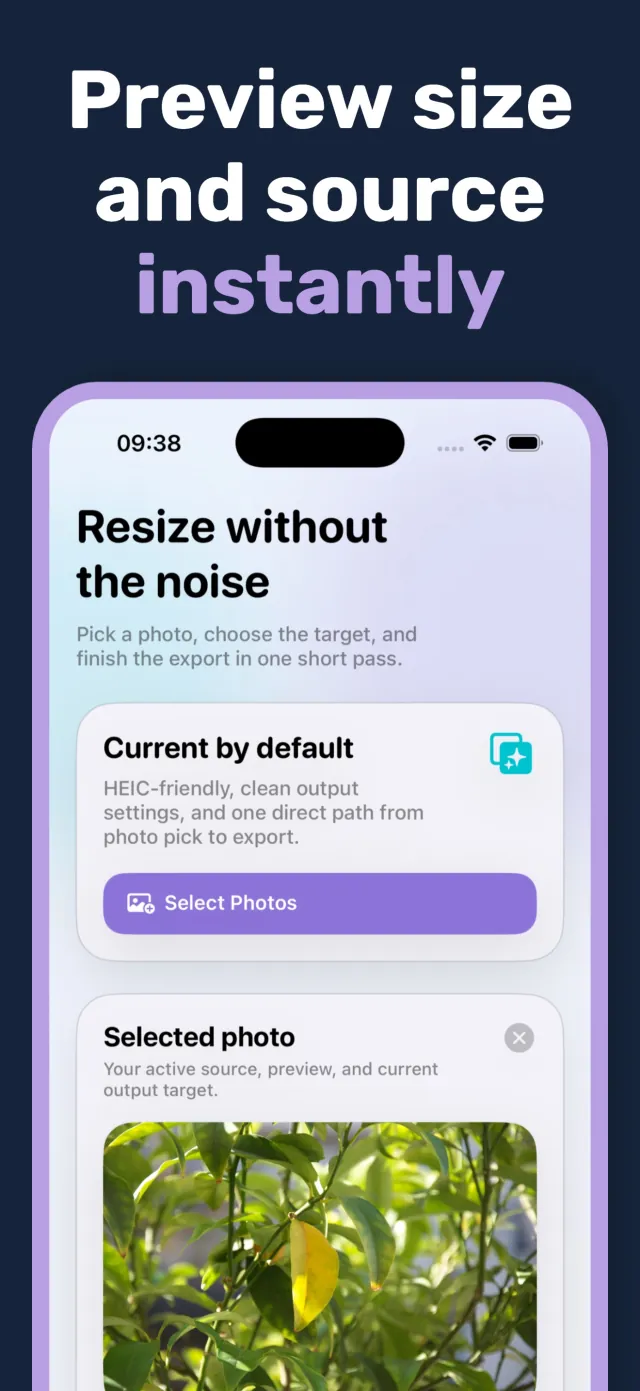
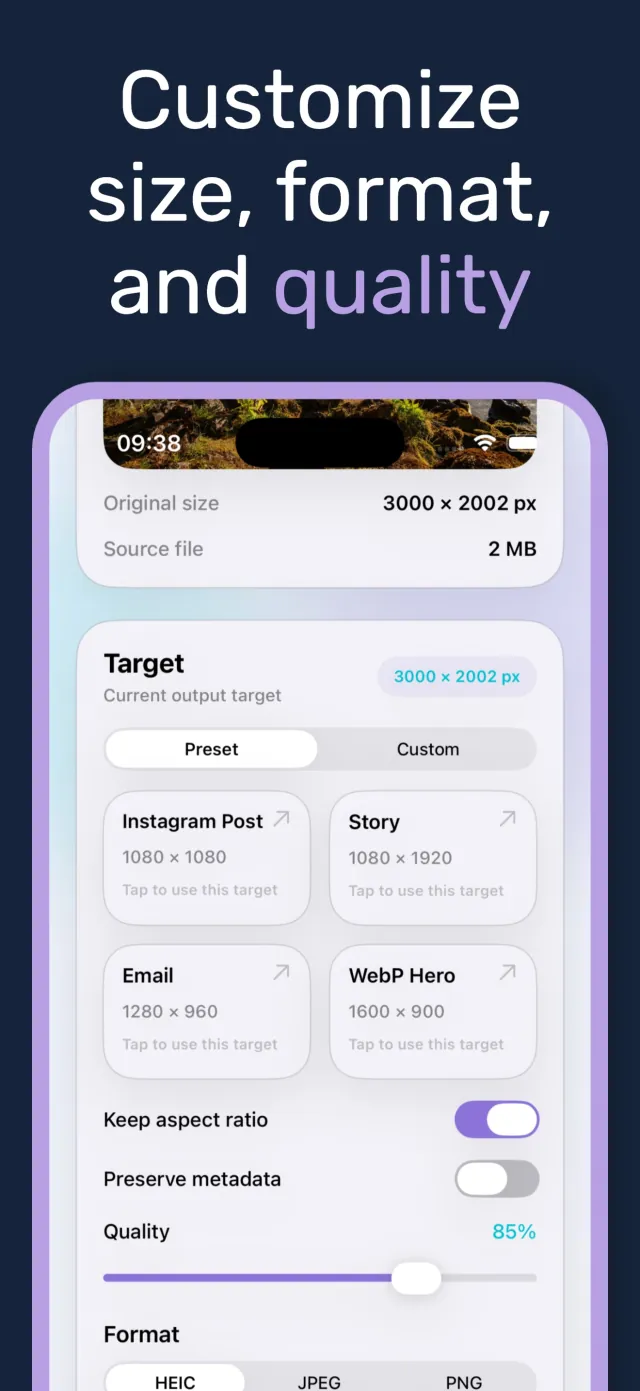
The interface shows exactly what is about to change: original size, source file weight, target dimensions, and estimated output size, updated as settings change. There is no guessing what an export will look like before it runs.
Key features
Six tools built around the actual steps of getting a photo to the right size and format.
Queue multiple photos, apply one target to all of them, and export together. No repeating the same steps photo by photo.
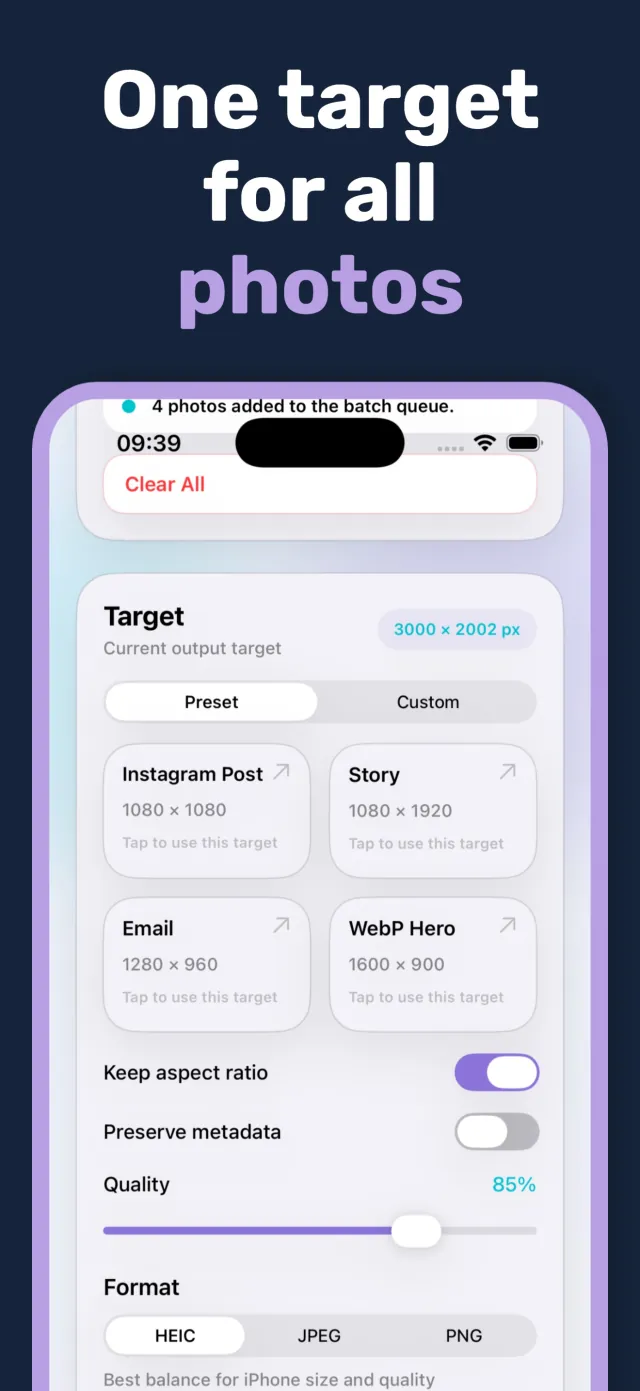
Instagram post, story, email attachment, and web hero sizes are one tap away. Custom width and height are available when a preset does not fit.
Adjust export quality to trade file size against clarity. Estimated output size updates as the slider moves, before export runs.
Export in the format the destination needs. HEIC keeps files small on iPhone, JPEG and PNG cover everywhere else.
Keep the original proportions or set exact custom dimensions and let the crop happen. The choice is explicit, not automatic.
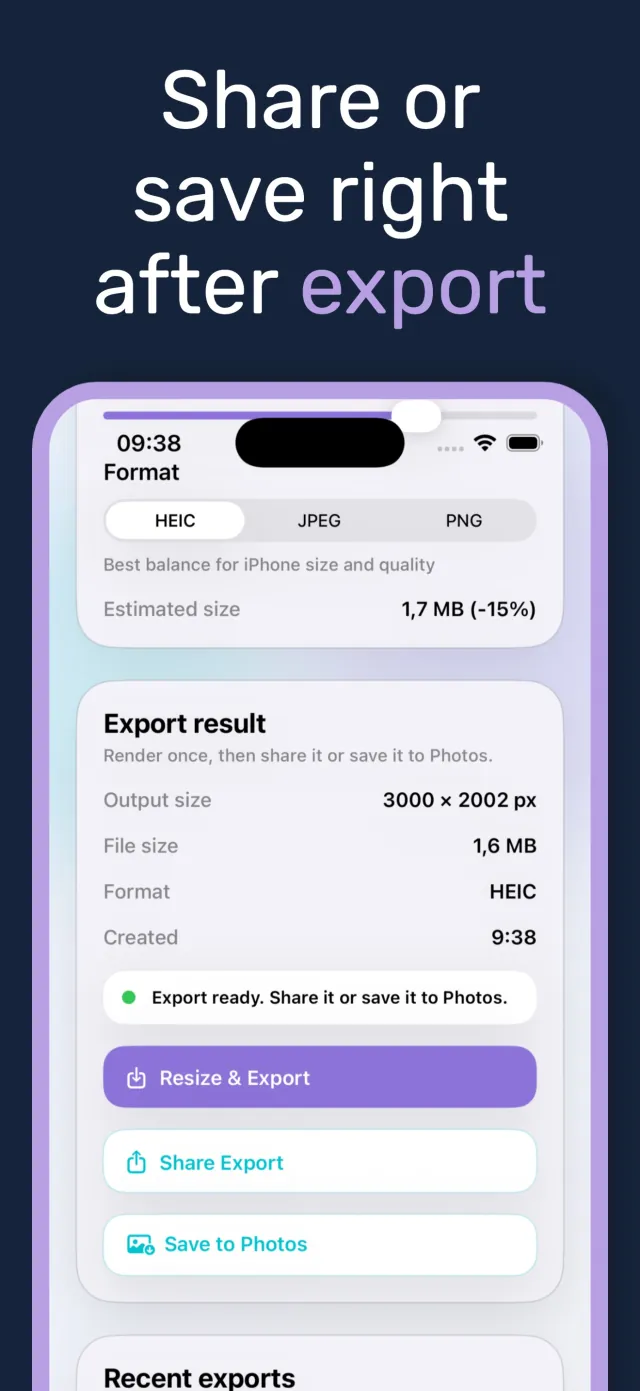
Once export finishes, share it directly or save it to Photos in one tap. Recent exports stay listed for quick access.
Under the hood
When a photo is selected, PixelsFit reads its original pixel dimensions and source file weight immediately and displays both before any setting is touched. Choosing a preset or a custom width and height sets the target; the app computes and shows an estimated output file size as quality, format, and dimensions change, so the numbers on screen match what export produces.
Resizing runs on-device using native iOS image APIs, with no upload step and no server round trip. Batch jobs queue each photo against the same target and process them in sequence, keeping the original aspect ratio unless the user turns that off. Metadata such as EXIF can be preserved or stripped on export, controlled by a single toggle.
Export supports HEIC, JPEG, and PNG. Each finished export can be shared through the system share sheet or saved directly to Photos, and recent exports remain listed in the app for a quick repeat without reselecting the source photo.
Privacy by design
Resizing happens on-device
Photos are never uploaded to a server to be resized or converted. Processing runs locally on the phone.
No account required
PixelsFit does not ask for sign-in or personal information to resize or export a photo.
Metadata control stays with the user
EXIF data can be preserved or stripped on export. The choice belongs to whoever is resizing the photo, not a default the app hides.
How it looks
Six glimpses of resizing, batching, and exporting inside PixelsFit.
Scroll to browse →
Download
PixelsFit is live on iPhone, free to download. Email contact@mightys.dev if you have feedback or a preset you would like added.